
You know that feeling when you see a logo and instantly recognise the company? That’s branding at work, but it’s so much more than just a pretty logo. For startups, branding is what makes customers remember you, trust you, and choose you over competitors.
The tricky part is that most startups don’t have big marketing budgets or design teams. According to a 2024 report, small business owners say they just don’t have enough time to plan their marketing because they have so many other responsibilities. You’re wearing multiple hats, trying to build a product, find customers, and somehow create a brand that stands out.
That’s where branding tools come in. Good branding tools can help you create professional-looking designs, understand what customers think about your brand, and keep everything consistent without needing a huge budget or specialised skills.
We’ve researched and updated this list with current tools that actually help startups build strong brands. These aren’t just fancy software – they’re practical solutions that solve real problems you’re facing right now.
Rundown
- All-In-One Design Platform: Canva, “A comprehensive design suite with AI-powered tools that helps startups create professional logos, social media graphics, and marketing materials without design experience, featuring Visual Suite 2.0 updates for 2025.”
- Best for Brand Monitoring: Brand24, “An AI-powered social media monitoring tool that tracks brand mentions across 270,000+ sources with real-time alerts, sentiment analysis, and competitive intelligence at startup-friendly pricing starting at $149/month.”
- Consumer Research Platform: Attest, “A leading consumer research platform that helps startups understand brand perception by creating surveys and gathering feedback from target audiences to refine brand strategies and improve customer relations.”
- Professional Design Suite: Adobe Creative Cloud, “The industry-standard collection of professional design software including Photoshop, Illustrator, and Premiere Pro for creating high-quality brand assets, videos, and visual content for serious branding needs.”
- Digital Asset Management: Bynder, “An enterprise-grade digital asset management platform that organises brand assets, maintains consistency across teams, and streamlines creative workflows with transparent pricing starting at $250/month.”
- AI Logo Generation: Brandmark, “An AI-powered logo generator that creates complete brand identities including logos, colour palettes, and visual assets with flexible pricing options and more customisation than traditional AI logo tools.”
- AI Logo Design: Looka, “An AI-powered branding tool that simplifies logo creation by generating unique, customisable logos and complete brand identities based on your brand’s name, slogan, and industry preferences.”
- Design Crowdsourcing Platform: 99Designs, “A platform connecting startups with talented designers worldwide who compete to create brand assets, allowing you to manage the design process and get public feedback on concepts.”
- Brandable Domain Marketplace: BrandBucket, “A marketplace for finding and purchasing creative, brandable domain names based on keywords and industry preferences, though selection may be limited compared to broader domain registrars.”
- E-commerce DAM Solution: Dash.app, “A digital asset management tool specifically designed for e-commerce brands to organise, search, and share brand assets with retailers and partners efficiently.”
Recommended Branding Tools
All-In-One Design Platform
Canva
Best For | Startups needing professional designs without design experience |
Pricing | Free plan available, Pro starts at $15/month |
Ease of Use | Very intuitive with drag-and-drop interface |
Platform | Web-based with mobile apps |
Key Features | AI-powered tools, 2M+ templates, brand kits, Visual Suite 2.0 |
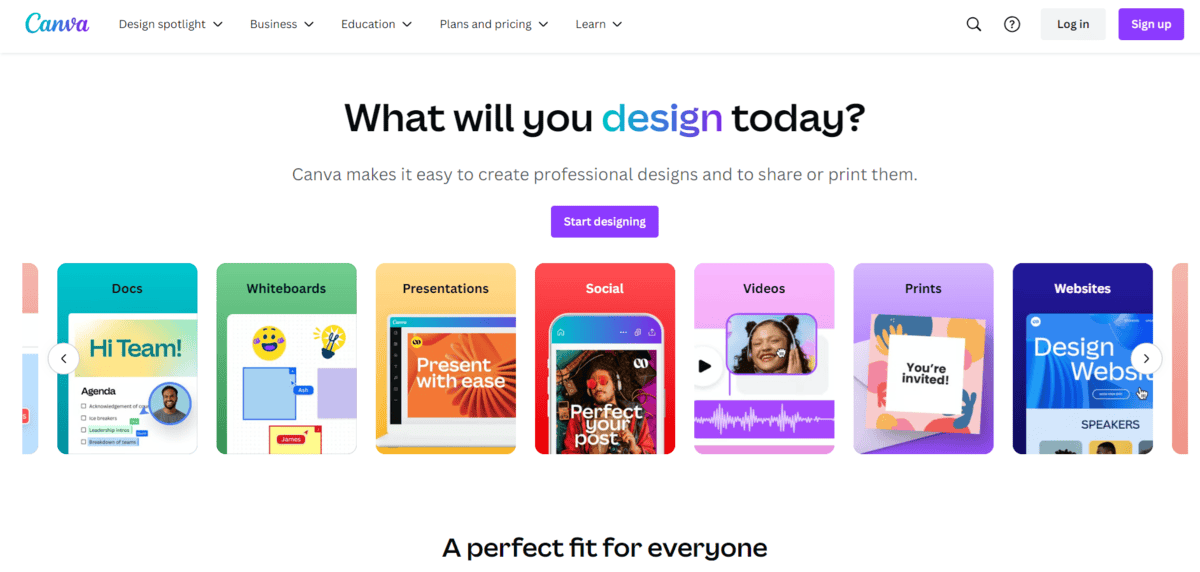
Canva is a comprehensive design platform that makes creating logos, social media graphics, and marketing materials accessible to everyone.
What makes Canva stand out is its Visual Suite 2.0 update for 2025. This brings AI-powered tools right into your design workflow. You can use voice commands to generate designs, access millions of templates, and create everything from simple social posts to complete brand kits.
But that’s not all, there’s more:
- You can create a complete brand identity with logos, colour palettes, and fonts that stay consistent across all your designs
- The platform offers over 2 million templates for everything from Instagram stories to business presentations
- With AI tools, you can generate images, resize designs for different platforms, and even translate content
- Real-time collaboration lets your team work together on designs from anywhere
- Canva Sheets helps you connect data with design for things like reports and presentations
The thing is, Canva really shines for startups because it grows with you. You can start with the free plan and upgrade as your needs expand. The brand kit feature helps maintain consistency across all your marketing materials, which is crucial when you’re building brand recognition.
While Canva is incredibly user-friendly, it does have some limitations. The free version has restrictions on premium templates and features. If you need very complex designs or advanced photo editing, you might find the tools somewhat limited compared to professional software like Adobe Photoshop.
Also, while the AI features are impressive, they work best for standard design needs. If you’re looking for completely unique, custom artwork, you might need to supplement Canva with other tools or a professional designer.
Canva works best for startups that need to produce lots of visual content quickly without hiring a full-time designer. It’s less ideal for companies needing highly specialised or complex design work that requires professional-grade software.
Best for Brand Monitoring
Brand24
Best For | Brand monitoring, social listening, reputation management |
Pricing | Starts at $149/month |
Ease of Use | Intuitive dashboard, moderate learning curve |
Platform | Web-based, mobile app available |
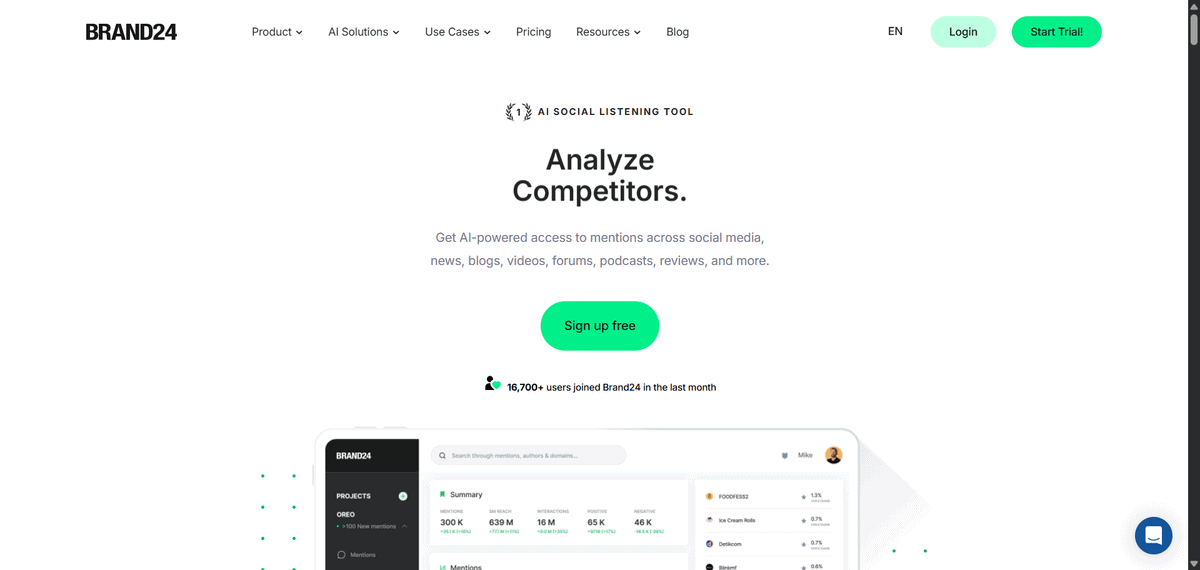
If you’re running a startup and want to know what people are saying about your brand online, Brand24 gives you that real-time insight. It’s an AI-powered social listening tool that tracks mentions of your brand across 270,000+ sources including social media, news sites, blogs, forums, and review platforms.
The tool works by scanning the internet for any mention of keywords you set up. You could track your company name, your products, your competitors, or even industry terms. When someone talks about your brand, Brand24 catches it and shows you what’s being said, who’s saying it, and how they feel about it.
But that’s not all, there’s more:
- You can get instant alerts when there’s a spike in mentions or when something negative pops up about your brand
- The AI analyses sentiment automatically, telling you whether mentions are positive, negative, or neutral
- You can track competitors too, seeing what people say about them and how your brand compares
- The tool shows you key metrics like share of voice, reach, and engagement across different platforms
For startups, this is particularly useful because you’re building your reputation from scratch. Let’s say you launch a new product feature. With Brand24, you’d see immediately how people are reacting on Twitter, Reddit, or tech blogs. If there’s confusion or negative feedback, you can address it right away instead of letting it spread.
The pricing starts at $149/month, which puts it in reach for many startups who need serious monitoring but can’t afford enterprise-level tools. You’re getting real-time data across a massive range of sources, which is what makes it stand out from simpler social media trackers.
While Brand24 is powerful for brand monitoring, there are some things to consider. The learning curve can be moderate if you’re new to social listening tools. You might need some time to set up your keywords properly and understand all the metrics. Also, while $149/month is reasonable for what you get, it’s still a meaningful expense for very early-stage startups with tight budgets.
The tool works best for startups that are actively building their online presence and need to monitor their reputation across multiple platforms. If you’re just starting out and have minimal online chatter about your brand, you might not get enough value from it yet. But once people start talking about your company online, having Brand24 gives you the insight to manage that conversation effectively.
Consumer Research Platform
Attest
Best For | Understanding brand perception, consumer insights |
Pricing | Usage-based credits (answers to survey questions) |
Ease of Use | Intuitive with expert support available |
Platform | Web-based |
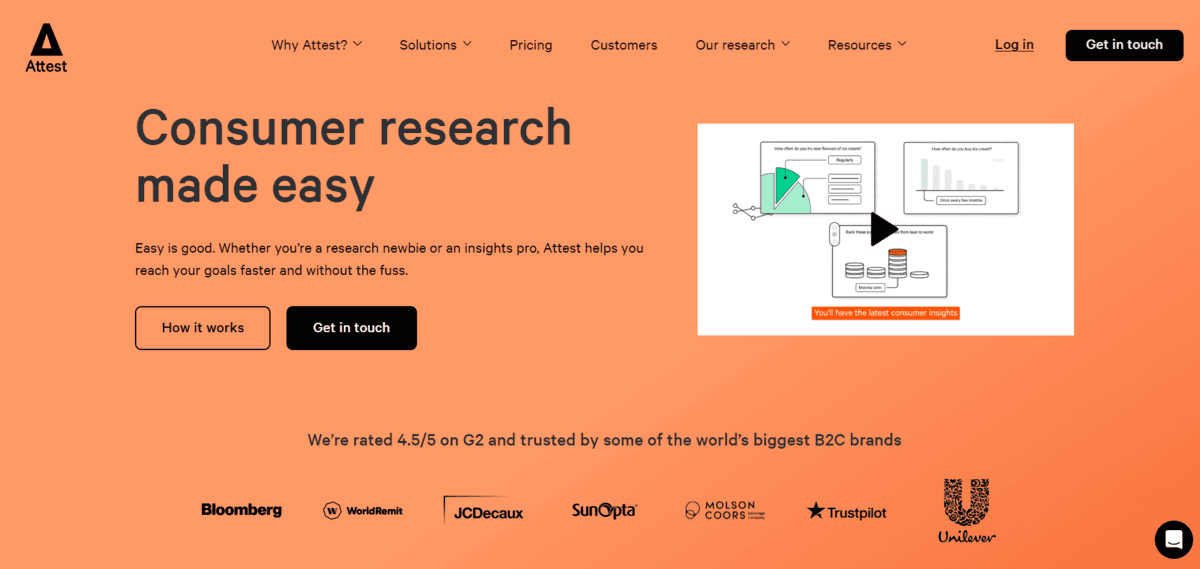
Attest is a consumer research platform that helps you understand your target audience by creating surveys and gathering feedback from real people.
What makes Attest work for startups is how it connects you with over 150 million people across 59 countries. You create surveys about your brand, products, or messaging, and Attest helps you reach the right audience to get meaningful responses. This data helps you refine your brand strategies and improve how customers see your business.
But that’s not all, there’s more:
- You can test new product ideas before investing in development, which helps de-risk your go-to-market strategy
- You get to compare your current customers with potential future consumers to understand market opportunities
- You can conduct ad hoc research to stay ahead of trends and know what customers want at different times of the year
- You have access to an in-house team of research experts who help you craft effective surveys and analyse results
Attest works particularly well for B2C brands focused on areas like beauty, fashion, and technology. The platform helps you become more agile by letting you pivot between projects quickly and test against specific audiences.
While Attest provides valuable consumer insights, there are some things to consider. The cost can be high for smaller startups since it’s a usage-based model where you pay per survey response. Some users mention limitations in more complex survey design and data visualisation features. There’s also the chance that certain niche markets might not be fully covered in their audience pool.
What you’ll find is that Attest works best when you have a basic understanding of research principles. It’s not just about asking questions – it’s about asking the right questions to get actionable insights. The platform gives you confidence that your market research will reveal useful knowledge about your brand’s position in the market.
Professional Design Suite
Adobe Creative Cloud
Best For | Professional-grade design, serious branding needs |
Pricing | Subscription plans starting around $60/month |
Ease of Use | Steep learning curve, professional tools |
Platform | Desktop apps with cloud sync |
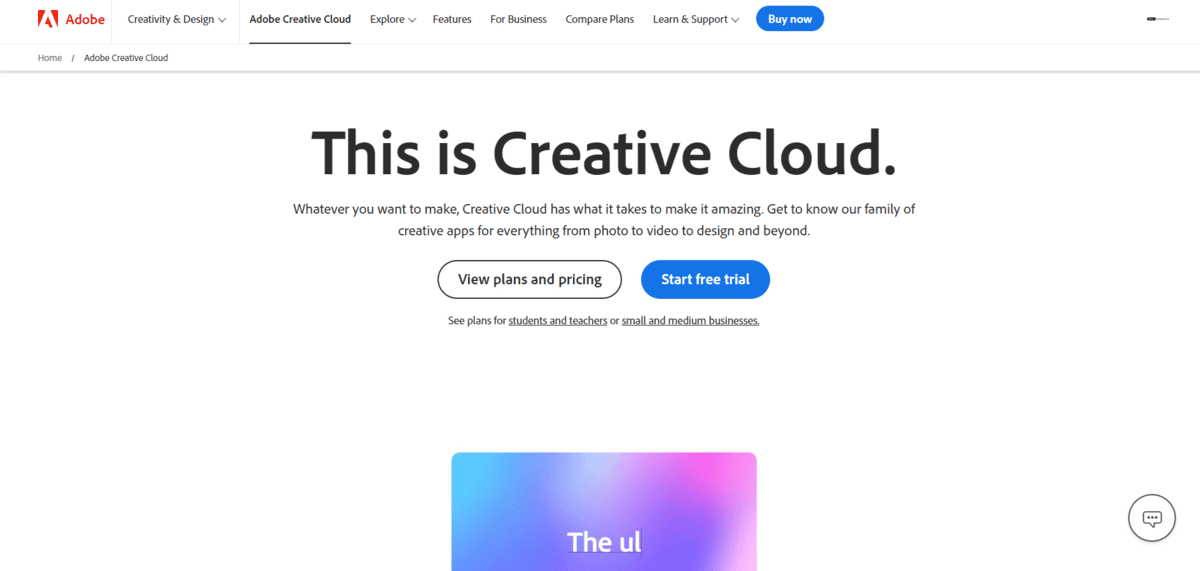
Adobe Creative Cloud is the industry standard. This isn’t just another design tool – it’s the complete collection of professional software that serious designers use every day.
You get Photoshop for photo editing, Illustrator for vector graphics, Premiere Pro for video editing, and more than 20 other apps. These tools give you the precision and control you need to create high-quality brand assets that look polished and professional.
Here’s how it works for startups: You subscribe to the Creative Cloud, download the apps to your computer, and get access to everything from logo design to video production. The cloud part means your files sync across devices, and you get regular updates with new features.
But that’s not all, there’s more:
- You can create vector logos in Illustrator that stay sharp at any size, perfect for everything from business cards to billboards
- You get professional video editing with Premiere Pro for creating product demos, explainer videos, or social media content
- You have access to Photoshop’s advanced editing tools for perfecting product photos or creating marketing materials
- You can use InDesign for professional layouts like brochures, reports, or investor pitch decks
The thing is, Adobe Creative Cloud makes sense when your startup needs more than what simpler tools like Canva can offer. Think about it – if you’re designing a logo that needs to work across all your branding, or creating video content that represents your company, you want professional results.
While Adobe Creative Cloud gives you industry-leading tools, there are some things to consider. The learning curve is steep if you’re new to design software. You’re looking at weeks or months to become proficient with tools like Photoshop or Illustrator. The pricing is also higher than simpler alternatives – you’re paying for professional capabilities.
Another thing: you need decent computer hardware to run these applications smoothly. They’re resource-intensive, especially when working with large files or complex projects.
This tool works best for startups that have someone with design experience on the team, or when you’re ready to invest in learning professional design skills. It’s overkill if you just need simple social media graphics or basic documents. But if your brand needs to compete with established companies and look polished from day one, Adobe Creative Cloud gives you that professional edge.
Digital Asset Management
Bynder
Best For | Organising brand assets, maintaining consistency |
Pricing | Transparent tiered pricing starting at $250/month |
Ease of Use | Enterprise-grade with some learning curve |
Platform | Cloud-based, accessible from anywhere |
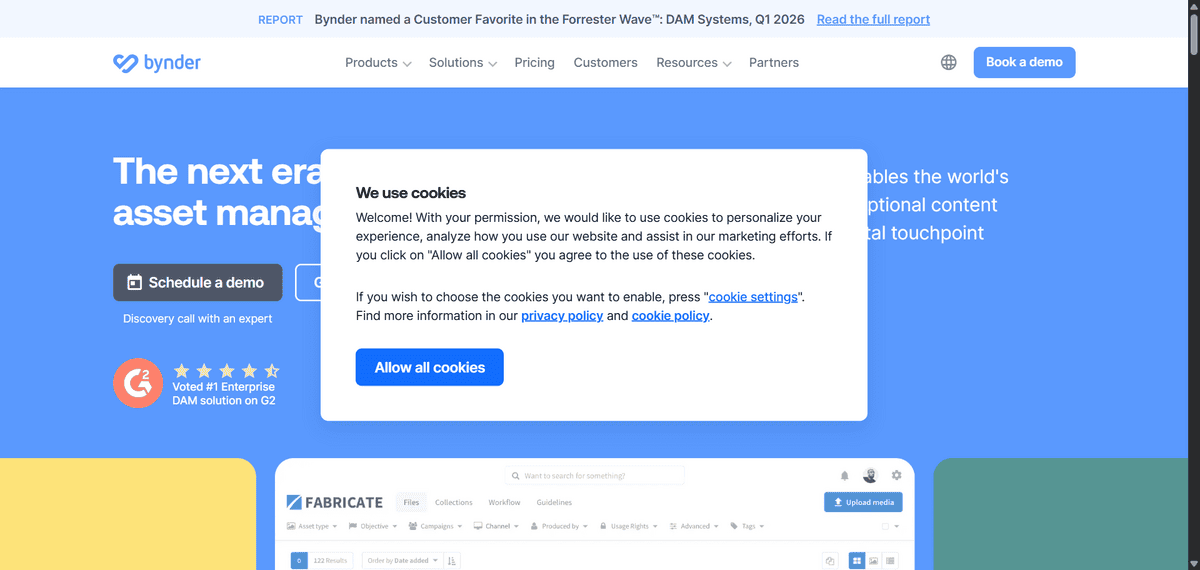
Bynder is a digital asset management platform that helps you organise all your brand materials in one central place.
Think about it – your logos, product images, marketing videos, brand guidelines, and templates all living together in an organised system. That’s what Bynder offers. It’s like having a digital library for everything that makes up your brand’s visual identity.
But that’s not all, there’s more:
- You can maintain brand consistency across your entire team by giving everyone access to the right versions of files
- You can streamline creative workflows by organising projects and tracking progress in one place
- You can integrate Bynder with tools you already use like Adobe Creative Cloud, Salesforce, and content management systems
- You can control who sees what with permission settings, keeping sensitive materials secure
The thing is, digital asset management platforms have become essential for marketing teams and e-commerce businesses to keep their brand assets organised and consistent. Bynder helps you achieve exactly that.
While Bynder is great for organising brand assets and maintaining consistency, it has some limitations you should know about. The pricing can grow quickly when you add features like analytics, integrations, or extra storage. Some users find the AI search features basic compared to newer platforms. The enterprise-grade nature means there’s a learning curve, and it might be more complex than what a very small startup needs right away.
This platform works best for startups that are growing quickly and need serious organisation for their brand materials. If you’re still small and just need basic file storage, simpler tools might work better. But if you’re scaling up and want to keep your brand looking consistent as more people join your team, Bynder gives you that enterprise-level control.
AI Logo Generation
Brandmark
Best For | Startups needing complete brand identities |
Pricing | Flexible plans from $25 one-time to $175 enterprise |
Ease of Use | Beginner-friendly with AI guidance |
Platform | Web-based |
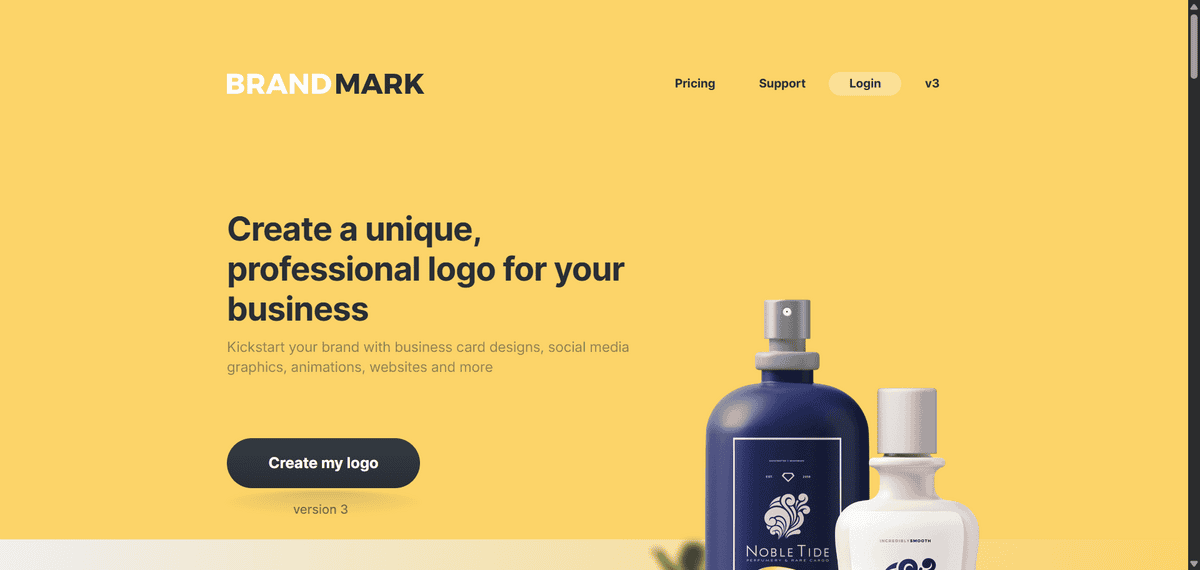
Brandmark is an AI-powered logo generator that creates complete brand identities, not just logos. You get colour palettes, visual assets, and everything you need for consistent branding.
The process is straightforward. You enter your business name, industry, and some keywords about your style. The AI then generates multiple logo options based on your inputs. What sets Brandmark apart is how it builds out your entire brand system. You’re not just getting a logo file – you’re getting a cohesive visual identity.
But that’s not all, there’s more:
- You can create matching business card designs, social media graphics, and letterhead templates that all work together
- The AI helps you choose colour palettes that make sense for your industry and target audience
- You get access to hand-crafted fonts and templates that give your brand a polished look
- There’s even animation capabilities if you want to make your logo more dynamic
While Brandmark is great for startups on a budget, there are some things to consider. The designs might lack the unique touch a professional designer could provide. Some users find the customisation options more limited compared to other AI tools. The results tend to be simpler in terms of overall design complexity.
Brandmark works best when you need a professional-looking logo quickly and can’t afford a designer. It’s less ideal if you’re looking for highly original, complex designs or if you have very specific visual requirements. For most startups just getting off the ground, it offers solid value and gets you branded faster than traditional design routes.
AI Logo Design
Looka
Best For | AI-powered logo generation and brand kits |
Pricing | $20 one-time logo or $65/year brand kit |
Ease of Use | Very easy, guided process |
Platform | Web-based |
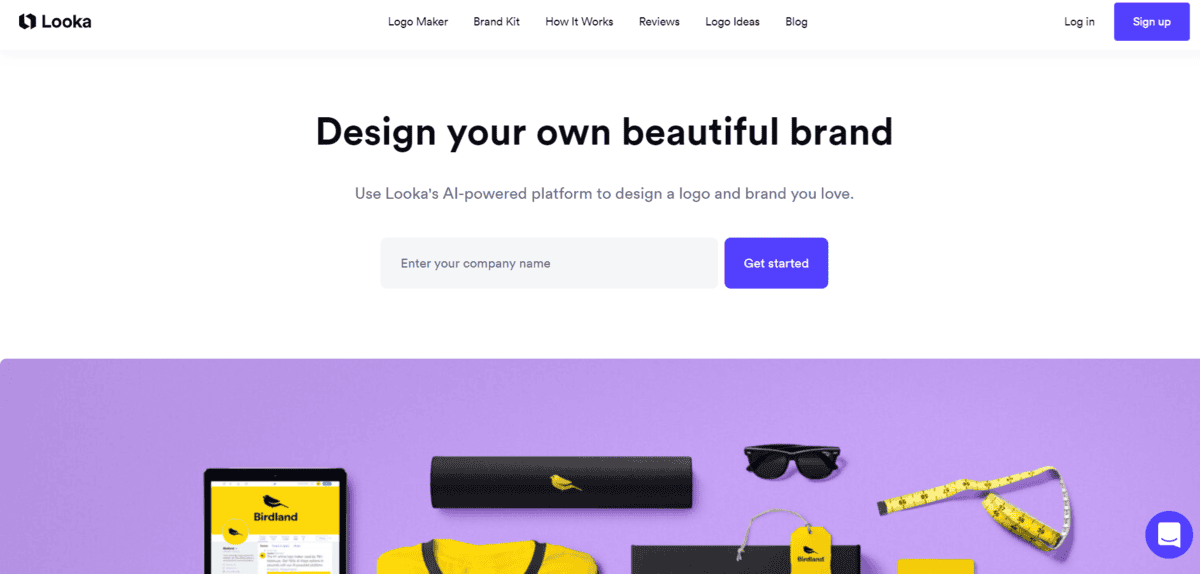
If you’re a startup founder who needs a professional logo but doesn’t have design experience or a big budget, Looka could be exactly what you’re looking for. It’s an AI-powered tool that simplifies the whole logo creation process by guiding you through a few simple steps.
Here’s how it works: you just enter your brand name, choose your industry, pick some design styles you like, and select a few icons. The AI then generates dozens of logo options based on your preferences. You can tweak colours, fonts, and layouts until you find something that feels right for your brand.
The thing is, Looka doesn’t stop at just logos. If you go for their Brand Kit subscription, you get a complete set of branded materials. That includes business cards, social media posts, and marketing templates – all designed to match your new logo.
But that’s not all, there’s more:
- You can try designing logos for free before you pay anything, which is great for testing different ideas
- The Brand Kit gives you access to over 300 customisable templates that automatically use your logo, colours, and fonts
- You get multiple file formats including high-resolution PNG, JPEG, and vector files for professional printing
- The AI learns from your preferences and shows you more options that match your style as you go
What’s interesting is how Looka compares to hiring a designer. According to their own research, working with a freelance designer typically costs $250–$1,000, while their Brand Kit subscription is $65 per year. For startups watching every dollar, that difference matters.
Now, Looka does have some limitations you should know about. The customisation options after purchase are more limited than working with a human designer. There’s a strict 7-day refund policy, so you need to be sure about your choice. The selection of icons and symbols is somewhat limited compared to what a professional designer could create from scratch.
Also, while the AI can create nice-looking logos, it can’t infuse your brand story or unique characteristics into the design like a human designer would. You’re getting templates that have been generated based on patterns the AI has learned, not custom artwork made just for your specific brand.
Looka works best for founders who want a clean, presentable logo and complete brand kit as quickly and affordably as possible. If you need something highly unique or have very specific design requirements, you might still want to work with a human designer.
Design Crowdsourcing Platform
99Designs
Best For | Startups needing professional design work through crowdsourcing |
Pricing | Contests from $299–$1,499; 30–40% platform fees |
Ease of Use | Straightforward contest setup, but requires clear briefs |
Platform | Web-based |
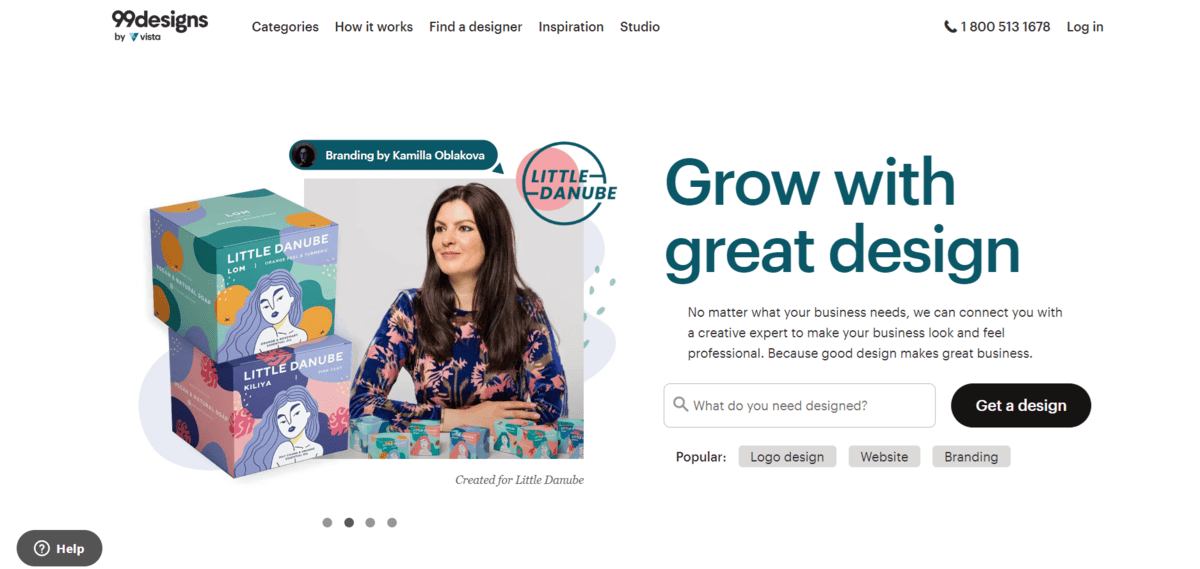
99Designs gives you access to talented designers worldwide through a crowdsourcing model. The platform works through design contests where multiple designers compete to create your brand assets, and you pick the best one.
You start by posting a design brief explaining what you need – whether it’s a logo, website mockup, packaging design, or other brand assets. Designers from around the world then submit their concepts, and you get to review all the entries, provide feedback, and eventually choose a winner. The contest format means you see multiple approaches to your design problem instead of just one.
But that’s not all, there’s more:
- You can manage the entire design process through the platform, giving feedback and guidance to designers as they refine their submissions
- You get to use polls to gather public feedback on design concepts, which helps you see how your target audience might react
- You can browse inspiration galleries to spark ideas before you even start your contest
- You have the option to hire designers directly for one-on-one projects after a contest if you find someone whose style you really like
- You receive multiple design concepts from different designers, giving you variety and choice you wouldn’t get from hiring a single freelancer
99Designs takes 30–40% platform fees for contests, with designer payouts ranging from 60–70% of what you pay. That means if you run a $799 Gold contest, the designer gets about $479–$559. The platform offers good value at Gold and Platinum tiers if you want multiple design options without paying agency prices.
While 99Designs provides a convenient way to crowdsource design work, there are some things to consider. The platform’s prices could be higher than hiring individual freelancers directly, especially if you opt for top designers. There can sometimes be plagiarism concerns with crowdsourced designs, and designers might not always explain their design choices thoroughly. Sometimes you get so many submissions that reviewing them all becomes overwhelming.
This approach works best for startups with clear design needs and $500–$1,500 budgets who value having multiple options to choose from. It’s less ideal for complex branding projects that need strategic consultation or for businesses that prefer working closely with a single designer from start to finish.
Brandable Domain Marketplace
BrandBucket
Best For | Finding creative, brandable domain names |
Pricing | Premium pricing ($1,000+ for most domains) |
Ease of Use | Simple browsing and filtering |
Platform | Web-based marketplace |
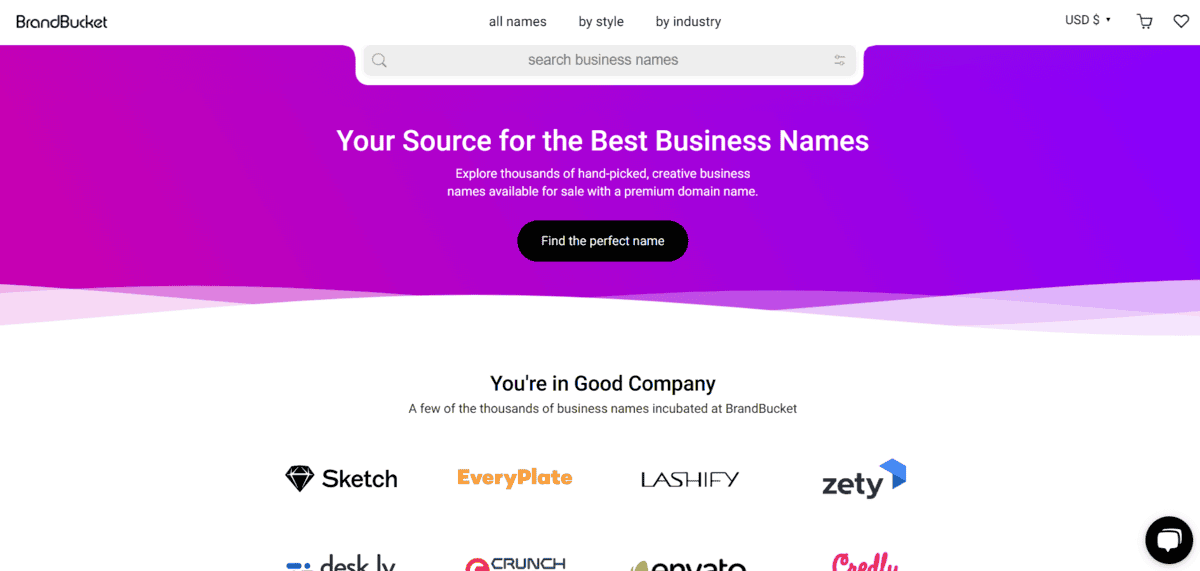
BrandBucket is a curated marketplace specifically for brandable domain names – those creative, catchy names that work well for businesses rather than just generic keywords.
What makes BrandBucket different is that every domain on their platform has been handpicked by their team. They look for names that are short, easy to remember, and have that “brandable” quality. You won’t find random keyword-stuffed domains here – just names that could work as actual business names.
You can browse their collection by industry, style, or keyword. Looking for a tech startup name? Filter for tech domains. Want something modern and sleek? There are style categories for that too. Each domain comes with a logo design included, which is helpful when you’re building a complete brand identity.
But that’s not all, there’s more:
- You can search by keyword and get suggestions for creative variations that might not have occurred to you
- Each domain listing shows you similar names in style and price range, helping you compare options
- The marketplace uses fixed pricing, so you know exactly what you’re paying without negotiation
- Domains come with transfer support to help you move them to your preferred registrar
The thing is, BrandBucket focuses on quality over quantity. While you might find thousands of options on regular domain registrars, BrandBucket’s curated approach means you’re looking at a smaller selection – but every option has been vetted for brand potential.
While BrandBucket is great for finding creative domain names, there are some limitations to consider. The pricing starts at around $1,000 for most domains, which puts it in the premium category. If you’re bootstrapping your startup, that might be more than you want to spend on just a domain name.
The selection, while curated, is also more limited than what you’d find searching the entire domain market. You might not find the exact name you had in mind, but you’ll discover creative alternatives you hadn’t considered. Some users mention that the logo designs included with domains can be somewhat generic, though they give you a starting point for your brand visuals.
BrandBucket works best for startups that value a creative, memorable name and are willing to invest in it. If you’re looking for a bargain or have very specific naming requirements, you might want to search more broadly. But if you want to browse through pre-vetted, brand-ready domain names without sifting through thousands of options, this marketplace simplifies the process.
E-commerce DAM Solution
Dash.app
Best For | E-commerce brands managing assets for retail distribution |
Pricing | Starting at $109/month |
Ease of Use | Simple setup, designed for growing brands |
Platform | Web-based |
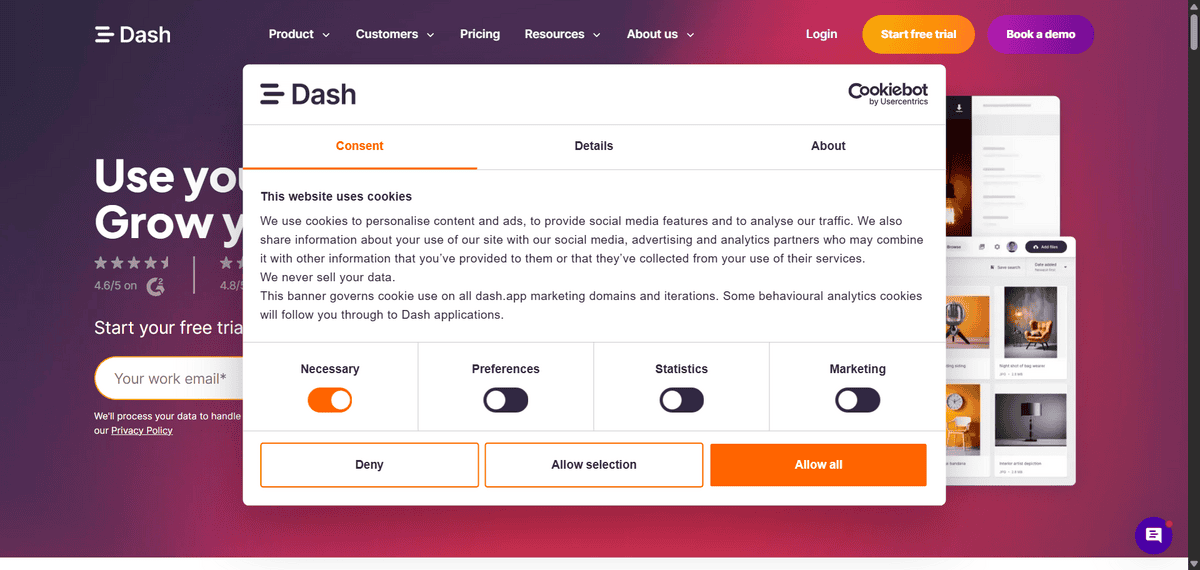
If you’re running an e-commerce business and constantly find yourself sending product images, videos, and marketing materials to retailers and partners, Dash.app is built exactly for your situation. It’s a digital asset management tool that helps you organise all your brand content in one place and share it efficiently with everyone who needs it.
The thing is, when you’re selling through multiple retailers, you end up with dozens of versions of product shots, different size requirements for various platforms, and partners asking for the same assets over and over. Dash.app solves this by giving you a central hub where everything lives. You can upload product images, video ads, brand guidelines, and marketing materials, then create custom portals for different retailers to access exactly what they need.
But that’s not all, there’s more:
- You can create branded portals where retailers can search and download approved assets without getting full access to your entire system
- You’ll get built-in version control so everyone’s always using the latest product images and marketing materials
- You can track who downloads what and when, which helps you understand which assets are most valuable to your partners
- You can set up custom tags and fields that match how your team searches for content, making everything easy to find
While Dash.app is great for growing e-commerce brands, there are some things to consider. The pricing starts at $109 per month, which might be steep for very early-stage startups just getting off the ground. You’ll also find storage limits on the lower-tier plans, though you can purchase additional storage as needed. Some users mention that while the system is easy to use, the folder structures aren’t as flexible as they’d like for complex organisational needs.
