
Building an app used to mean hiring a developer or waiting months. Not anymore. No-code and AI-powered app builders have matured enough that founders, solo creators, and small teams can ship real products without writing a single line of code. The hard part now is picking the right tool. Here are 12 of the best app builders available in 2026, broken down by what they are actually good at.
Rundown
- For building complex web apps: Bubble, “A full-stack no-code platform for building data-driven web and mobile apps with visual workflows and a built-in database.”
- For AI-powered app generation: Lovable, “An AI app builder that turns text prompts into full-stack web applications with exportable code.”
- For native mobile apps without code: Adalo, “A no-code builder for creating native iOS and Android apps with a drag-and-drop interface and built-in database.”
- For Flutter-based mobile apps: FlutterFlow, “A low-code visual builder for cross-platform mobile and web apps built on Google’s Flutter framework.”
- For apps powered by spreadsheets: Glide, “A no-code platform that turns Google Sheets and Airtable data into functional web apps and internal tools.”
- For designing and building websites: Webflow, “A visual web design and CMS platform for building responsive, production-ready websites without code.”
- For internal tools and dashboards: Retool, “A low-code platform for building internal tools, admin panels, and dashboards connected to any database or API.”
- For client portals and data-driven apps: Softr, “A no-code builder for creating portals, directories, and internal tools powered by Airtable or Google Sheets.”
- For coding and deploying with AI: Replit, “An AI-powered development environment where you can build, run, and deploy apps from a browser using natural language prompts.”
- For building ecommerce and content apps: GoodBarber, “A no-code app builder for creating shopping apps and content-driven mobile apps for iOS and Android.”
- For beginners building mobile apps: Thunkable, “A no-code mobile app builder with an AI assistant and drag-and-drop interface for publishing to iOS and Android.”
- For building SaaS with AI assistance: Base44, “An AI-first app builder that generates complete web applications from natural language descriptions.”
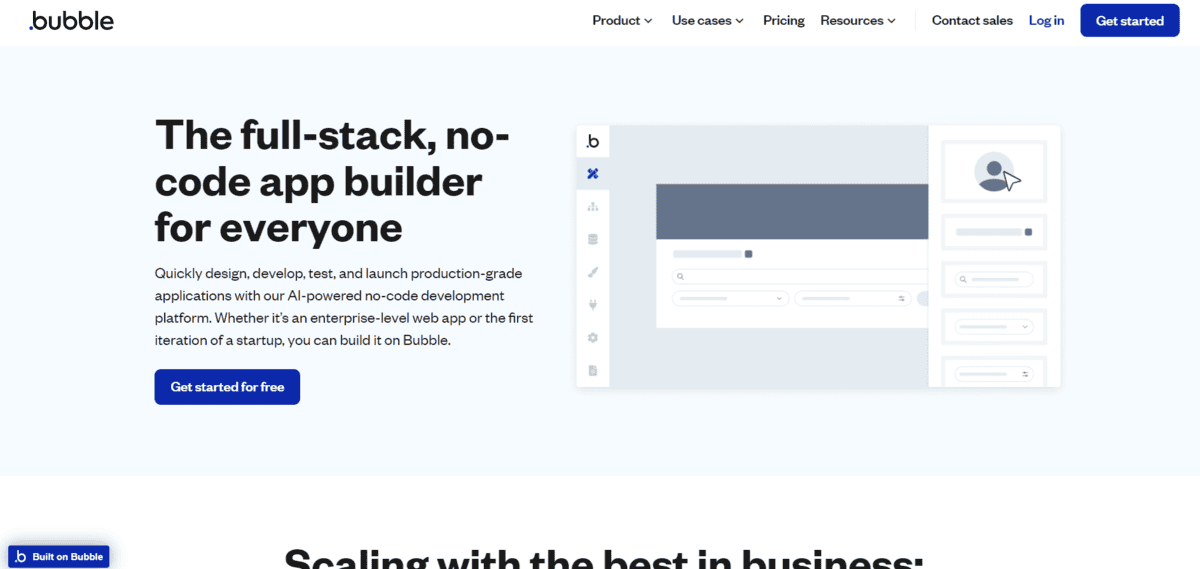
For building complex web apps
Bubble
Bubble is a full-stack no-code platform for building web and mobile applications. It combines a visual drag-and-drop editor, a built-in PostgreSQL-backed database, a workflow engine, and an API connector in one workspace. Over 2 million users have built on the platform, and companies running on Bubble have raised significant venture funding.
In 2025, Bubble launched a native mobile builder, meaning you can now build iOS and Android apps directly within the platform using the same visual editor.
- You can design your app’s UI with a drag-and-drop editor and manage responsive layouts across screen sizes without touching code.
- You can build backend logic using Bubble’s visual workflow engine, which handles user authentication, data operations, and scheduled tasks.
- You can connect to external services via REST APIs with support for OAuth2, API keys, and custom authentication flows.
- You can deploy to production with one click on Bubble’s AWS-hosted infrastructure, with HTTPS included automatically.
- You can build and publish native iOS and Android apps using the Native Mobile Builder, which runs on React Native behind the scenes.
One thing to know about Bubble’s pricing: it uses a “Workload Unit” system for server usage, and costs can scale unpredictably if your app has complex workflows or traffic spikes. Some users have reported bills in the thousands per month at moderate scale. The learning curve is also steeper than most no-code tools, so expect to invest real time before you feel comfortable building on it.
For AI-powered app generation
Lovable
Lovable is an AI-first app builder that generates complete web applications from text prompts. You describe what you want, and it builds the frontend, backend logic, and database structure for you. Unlike many AI builders, Lovable gives you full access to the generated code and exports it directly to GitHub.
- You can generate a working web app from a plain language description, including UI, authentication, and database setup.
- You can iterate on your app through ongoing chat with the AI, which updates the app in real time as you refine your requirements.
- You can export the full source code to GitHub, so you are not locked into the platform if you need a developer to take over.
- You can connect a Supabase backend automatically, giving your app a production-grade database without any manual setup.
- You can share your app with a public URL immediately after generating it, with hosting included.
Just a heads up: Lovable is primarily for web apps. It does not publish native iOS or Android apps to the app stores. For founders who need a mobile-first product with native device features, you will need a different tool or a wrapper service on top. Pricing is workspace-based at around $25 per month, which is straightforward, but usage limits on AI generations can be a constraint for heavy iterators.
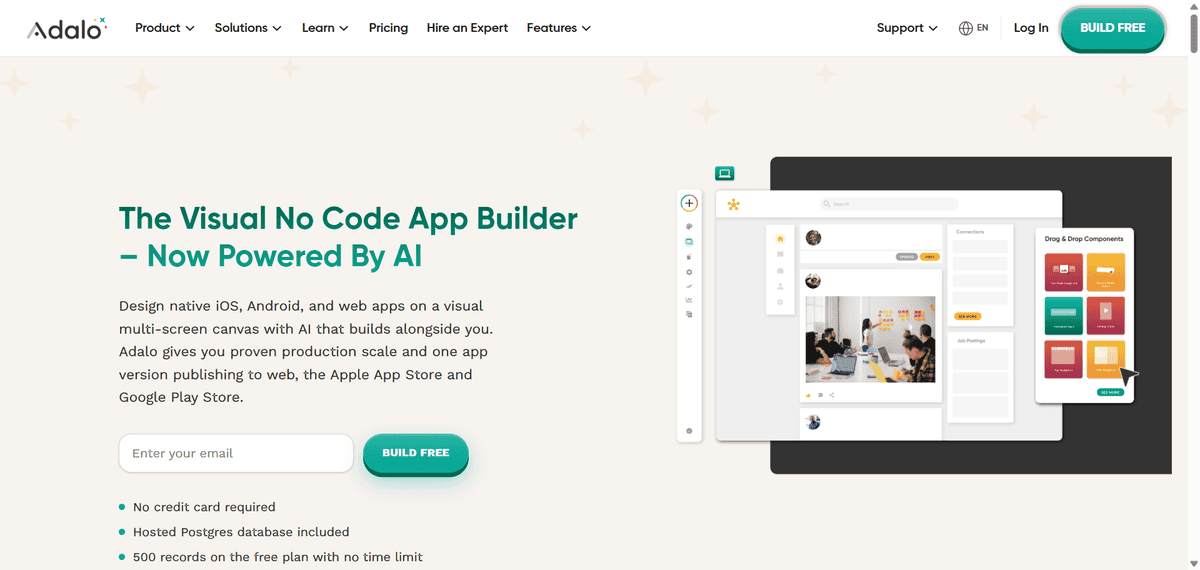
For native mobile apps without code
Adalo
Adalo is a no-code builder for creating native iOS and Android apps. It uses a drag-and-drop interface with a built-in database, pre-built components, and direct app store publishing. It is aimed at non-technical founders who want to launch a mobile app without needing a developer.
The platform has been running production apps for eight years. Some apps built on Adalo have gone on to raise venture funding.
- You can build your app’s screens by dragging and dropping components onto a visual canvas, with real-time device previews.
- You can publish directly to the Apple App Store and Google Play from within the platform, without needing a separate build process.
- You can set up a built-in database with collections, relationships, and user authentication without any backend configuration.
- You can extend your app’s functionality through a marketplace of third-party components, plugins, and templates.
- You can use Adalo’s AI assistant to generate app screens and features from text descriptions.
Note that Adalo apps can run into performance issues under heavy load. If your app grows quickly and hits a large number of concurrent users, you may need to migrate to a more scalable platform. The free plan does not include app store publishing, so you will need a paid plan ($36 per month and up) plus the Apple Developer Program fee to get your app live.
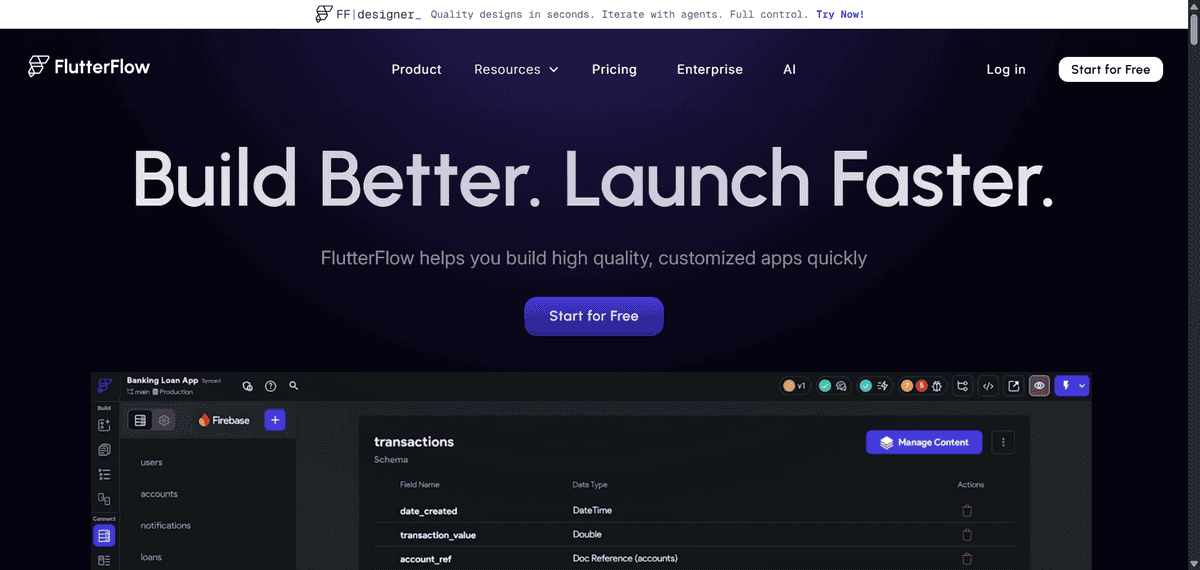
For Flutter-based mobile apps
FlutterFlow
FlutterFlow is a low-code visual builder for mobile and web apps built on Google’s Flutter framework. It sits between no-code and traditional development. You build visually, but the platform also lets you add custom code, which gives it significantly more flexibility than most no-code tools.
- You can design screens with a drag-and-drop editor and see real-time previews across iOS, Android, and web simultaneously.
- You can connect to Firebase, Supabase, MySQL, and REST APIs for full backend flexibility.
- You can export the full Flutter source code at any time, so a developer can take the project forward without starting from scratch.
- You can add custom Dart code directly into your project for features that go beyond the visual builder’s capabilities.
- You can collaborate in real time with team members on the same project, available on team and enterprise plans.
Okay, but there is one thing about FlutterFlow worth noting: it requires more technical understanding than true no-code tools. If you do not have a basic grasp of how APIs, databases, and app logic work, you will find it frustrating. It is not the right tool for complete beginners. It is best suited for developers or technical founders who want the speed of visual building without giving up flexibility.
For apps powered by spreadsheets
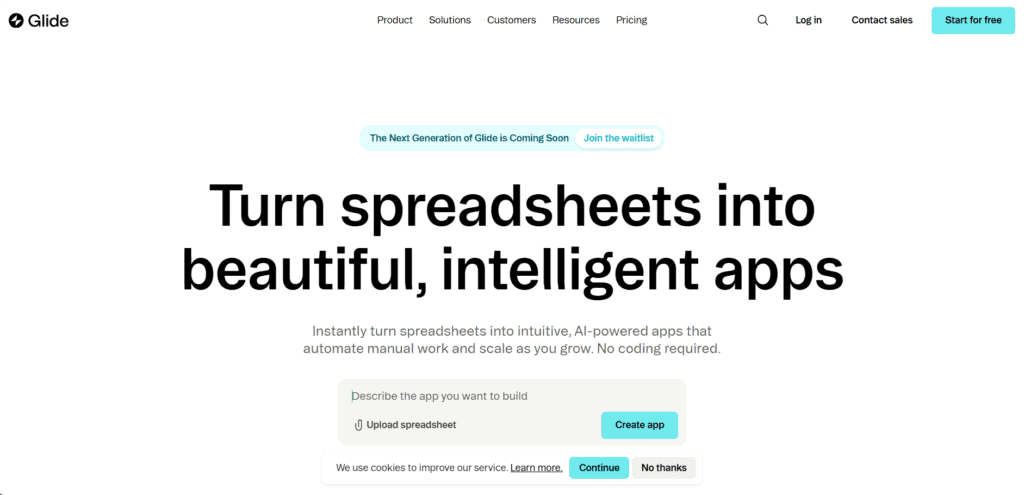
Glide
Glide turns your existing spreadsheet data into a functional web app. It connects to Google Sheets, Airtable, and Excel, and uses that data to power an app interface you build visually. It is fast to set up and works well for internal tools, directories, and simple data-driven apps.
- You can connect a Google Sheet or Airtable base and have a working app interface generated from your data in minutes.
- You can customise the app’s layout, components, and user interface without leaving the Glide editor.
- You can set user roles and permissions so different people see different data within the same app.
- You can add computed columns, logic, and actions to make the app respond to user inputs and update the underlying data.
- You can share the app via a link or embed it in a website without any deployment steps.
Worth knowing before you commit: Glide builds Progressive Web Apps, not native apps. Your app will not appear in the Apple App Store or Google Play Store. Users access it through a browser, which limits access to native device features like push notifications and camera access. It is also best suited for relatively simple use cases. If your data model becomes complex, Glide can start to feel constraining.
For designing and building websites
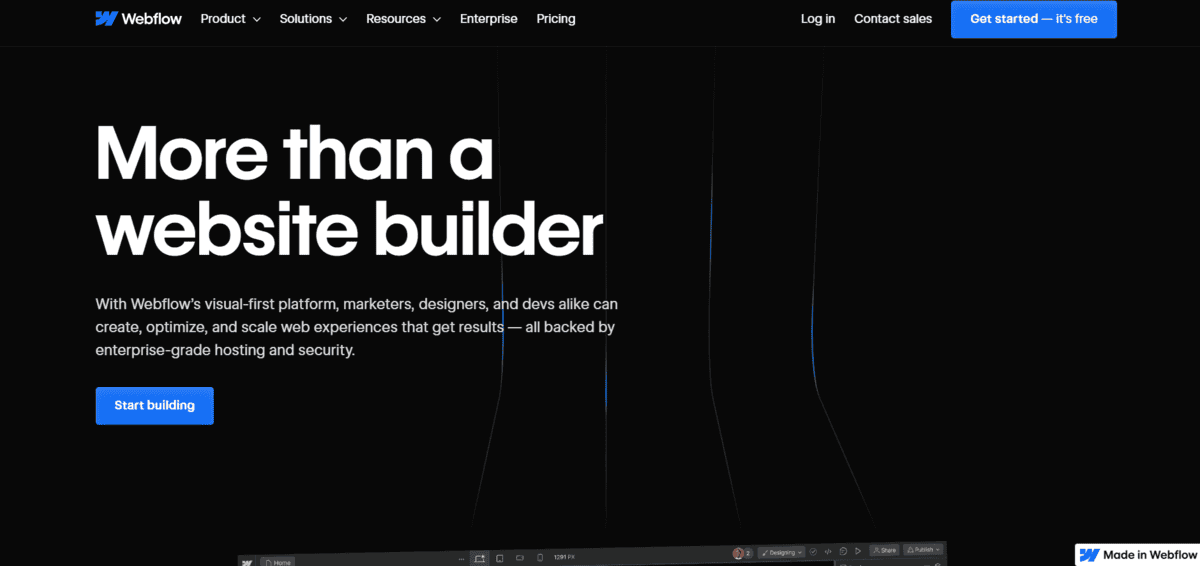
Webflow
Webflow is a visual web design platform that lets you build responsive, production-ready websites without writing code. It is more design-focused than most app builders on this list. It includes a built-in CMS, hosting, and ecommerce functionality, and is widely used by designers and marketing teams.
- You can design pixel-perfect layouts with a visual editor that writes clean HTML, CSS, and JavaScript in the background.
- You can build and manage a CMS to power dynamic content like blog posts, product listings, or team directories.
- You can set up ecommerce functionality including product pages, checkout flows, and order management.
- You can add interactions and animations without code using Webflow’s visual animation tools.
- You can publish directly to Webflow’s hosting or export the clean code to host elsewhere.
Do note that Webflow is a website and web design tool, not an app builder in the traditional sense. It does not have a built-in database for user-generated content or complex app logic. If you need user authentication, relational data, or dynamic workflows beyond a CMS, you will need to integrate third-party tools or combine Webflow with something like Memberstack or Xano.
For internal tools and dashboards
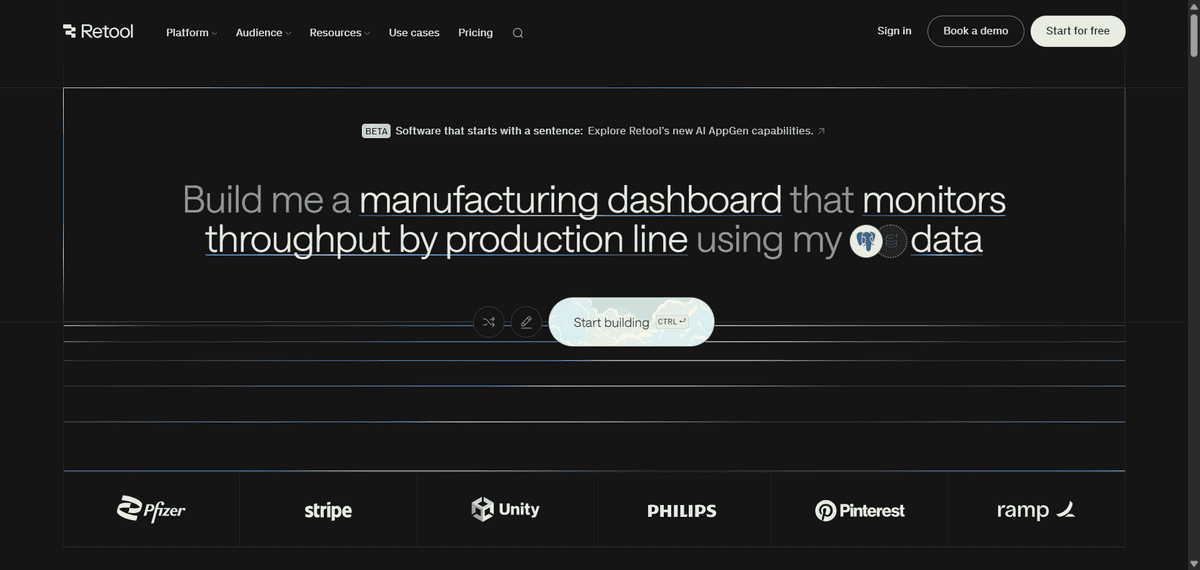
Retool
Retool is a low-code platform for building internal tools. Think admin panels, operations dashboards, customer support tools, and data management interfaces. It connects directly to databases and APIs and lets you build functional interfaces on top of your existing data without a frontend developer.
- You can connect to PostgreSQL, MySQL, BigQuery, Firebase, Stripe, and dozens of other data sources with minimal setup.
- You can drag and drop UI components like tables, forms, charts, and buttons onto a canvas and wire them to your data queries.
- You can write JavaScript to add custom logic, transformations, and interactions where the visual builder is not enough.
- You can set up role-based access controls so different team members see and edit only what they are supposed to.
- You can build and run automations that trigger actions in your databases or third-party services on a schedule or via webhook.
Just a heads up: Retool is not for non-technical users. It assumes you are comfortable with SQL, APIs, and basic programming concepts. It is also priced per user, starting at $15 per user per month, which adds up quickly for larger teams. It is squarely aimed at engineering and operations teams, not founders building consumer-facing products.
For client portals and data-driven apps
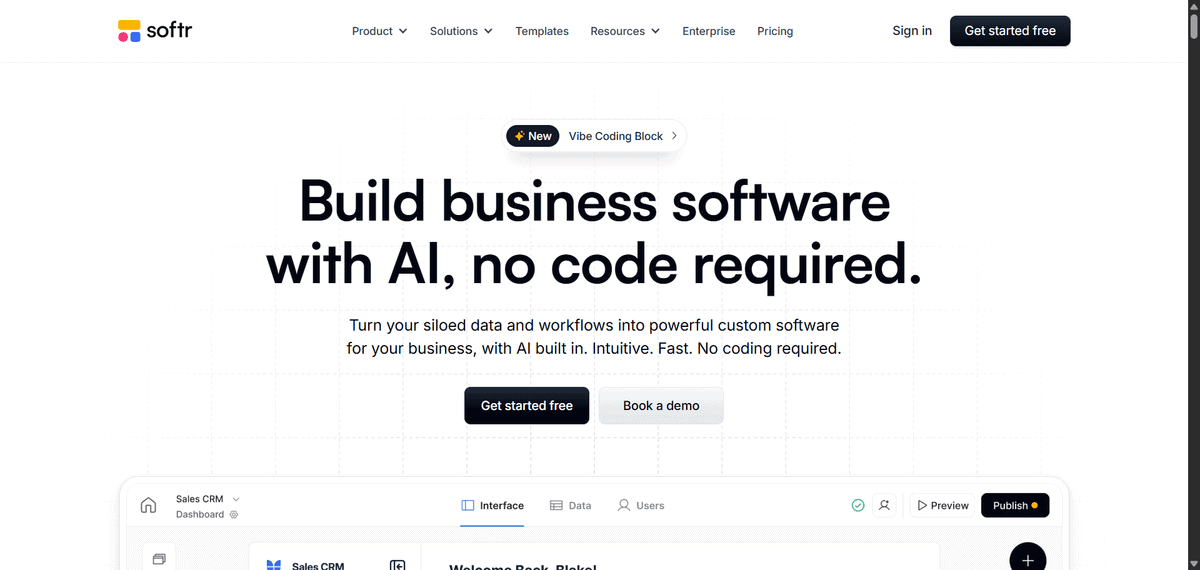
Softr
Softr is a no-code builder for creating client portals, membership sites, directories, and internal tools. It connects to Airtable, Google Sheets, and its own built-in database, and lets you build gated, role-based interfaces on top of that data. It is designed for teams that want to give clients or employees a clean interface to access and interact with data.
- You can connect Softr to Airtable or Google Sheets and build a fully functional interface on top of your existing data in hours.
- You can set up user authentication and role-based permissions so different users see different records and pages.
- You can build using pre-designed blocks including lists, tables, forms, charts, and detail pages.
- You can automate workflows like sending emails, creating records, or updating data when users take actions in the app.
- You can embed the app in an existing website or publish it as a standalone web app with a custom domain.
Softr builds web apps only. There is no native mobile app publishing. It is also most powerful when your data already lives in Airtable or Google Sheets. If you need a more complex data model or custom backend logic, you will reach its limits. Pricing scales based on the number of users with app access, which can become expensive for apps with large external user bases.
For coding and deploying with AI
Replit
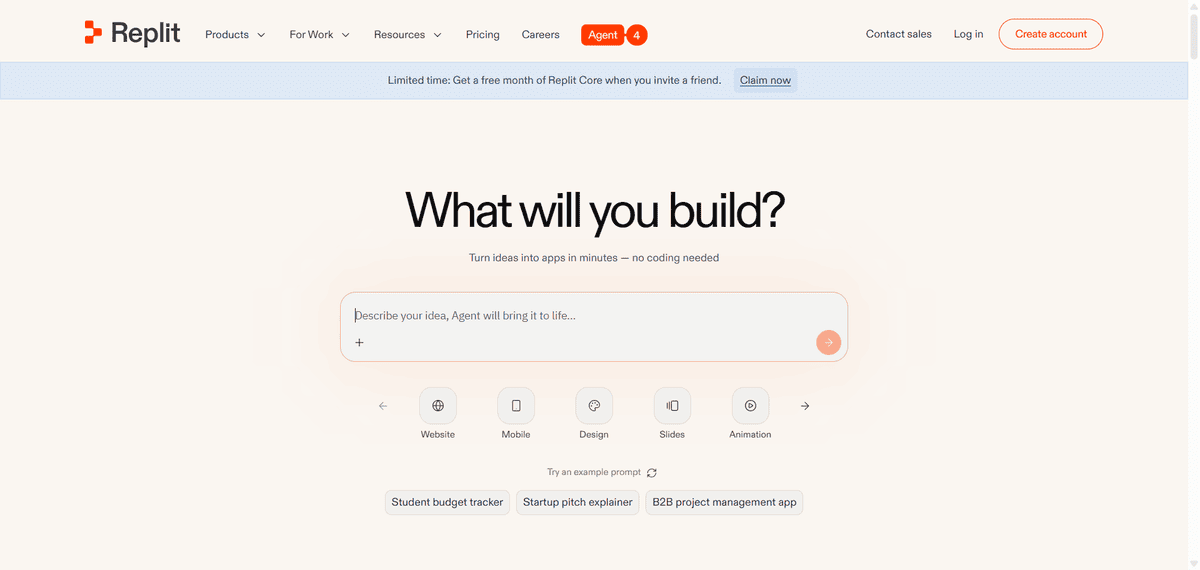
Replit is a browser-based development environment with a powerful AI agent built in. It is not purely no-code. Instead, it sits closer to the AI-assisted coding side of the spectrum. You can describe what you want to build, and the AI writes and runs the code for you, but you also have full access to the underlying files and can edit them directly.
- You can describe an app in plain language and have Replit’s AI Agent build, test, and deploy it without you writing any code manually.
- You can connect to databases, external APIs, and services like Stripe, Auth0, and Twilio directly from your project.
- You can deploy your app with one click on Replit’s hosting infrastructure, with a public URL generated immediately.
- You can collaborate with others in real time inside the same coding environment, similar to Google Docs for code.
- You can import existing GitHub repositories and continue building on top of them within Replit’s environment.
Replit is best for people who are comfortable with the idea of code, even if they do not write it themselves. If something breaks, you may need to read error messages or tweak files to fix it. It is not as guided or structured as visual no-code tools, and absolute beginners may find it harder to get unstuck without some technical confidence.
For building ecommerce and content apps
GoodBarber
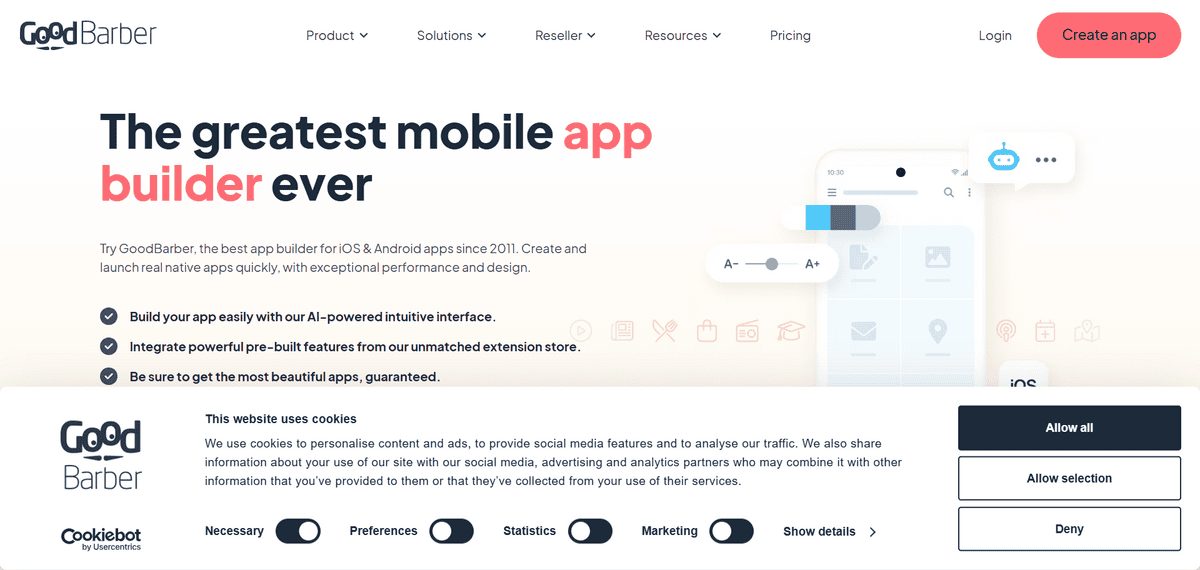
GoodBarber is a no-code app builder focused on two main use cases: shopping apps and content-driven apps. It has a drag-and-drop interface with an AI-enhanced editor, real-time device previews, and direct publishing to the Apple App Store and Google Play. Over 30,000 apps have been published through the platform.
- You can build a shopping app with product listings, cart functionality, and payment processing without any ecommerce development experience.
- You can manage content, products, orders, users, and statistics from a centralised dashboard.
- You can use the AI-enhanced editor to customise layouts, colours, and fonts while previewing changes across devices in real time.
- You can send push notifications to users and set up automated notification workflows based on user actions.
- You can publish your app to both the Apple App Store and Google Play from within the platform.
GoodBarber is not open-source and does not give you access to the underlying code, which limits how much you can customise beyond what the platform offers. Support is not available around the clock. It is also most suited to ecommerce and content apps. If you are building something more complex or logic-heavy, it is not the right fit.
For beginners building mobile apps
Thunkable
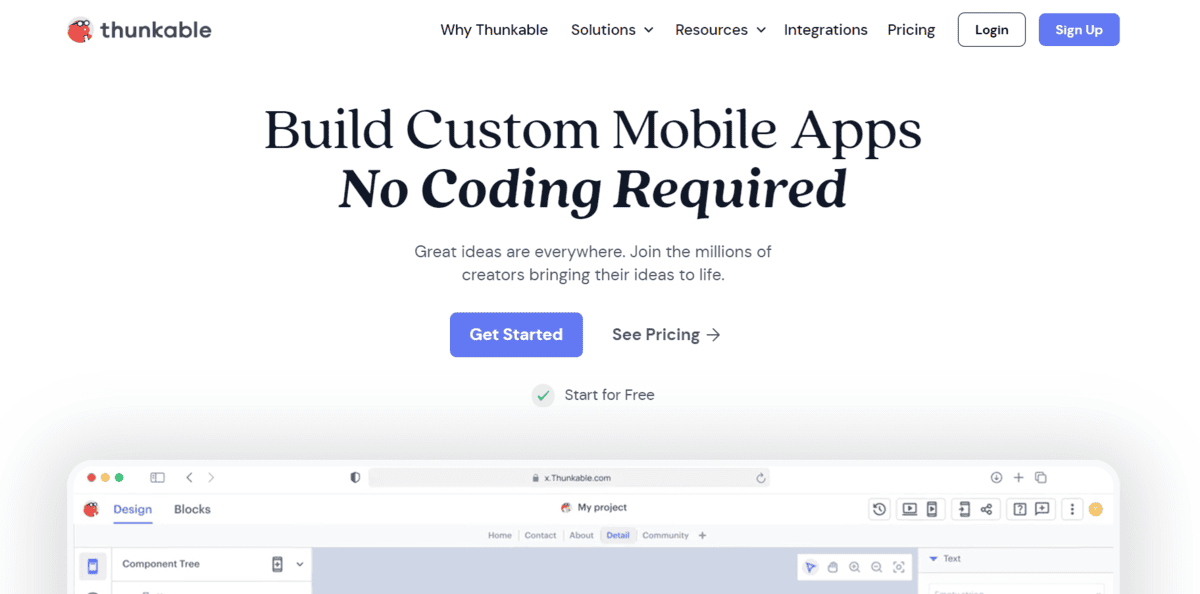
Thunkable is a no-code mobile app builder aimed at beginners. It has an AI builder that generates app screens from text prompts, a drag-and-drop interface, and the ability to publish native apps directly to the Apple App Store and Google Play. It is used widely in education as well as by solopreneurs building simple mobile products.
- You can use the AI builder to generate an app from a plain language prompt and then refine it visually from there.
- You can build and preview your app in real time on a physical device using the Thunkable Live companion app.
- You can add logic using drag-and-drop blocks, without needing to write or read any code.
- You can connect to external data sources including Google Sheets, Airtable, and REST APIs.
- You can publish your finished app directly to both iOS and Android app stores from within the platform.
There is one thing about Thunkable to keep in mind: it has fewer AI features and less backend customisation than tools like Adalo or FlutterFlow. It is a solid choice for simple apps and learning projects, but if your app needs complex data relationships, custom logic, or high-performance at scale, you will likely outgrow it. Paid plans start at $21 per month.
For building SaaS with AI assistance
Base44
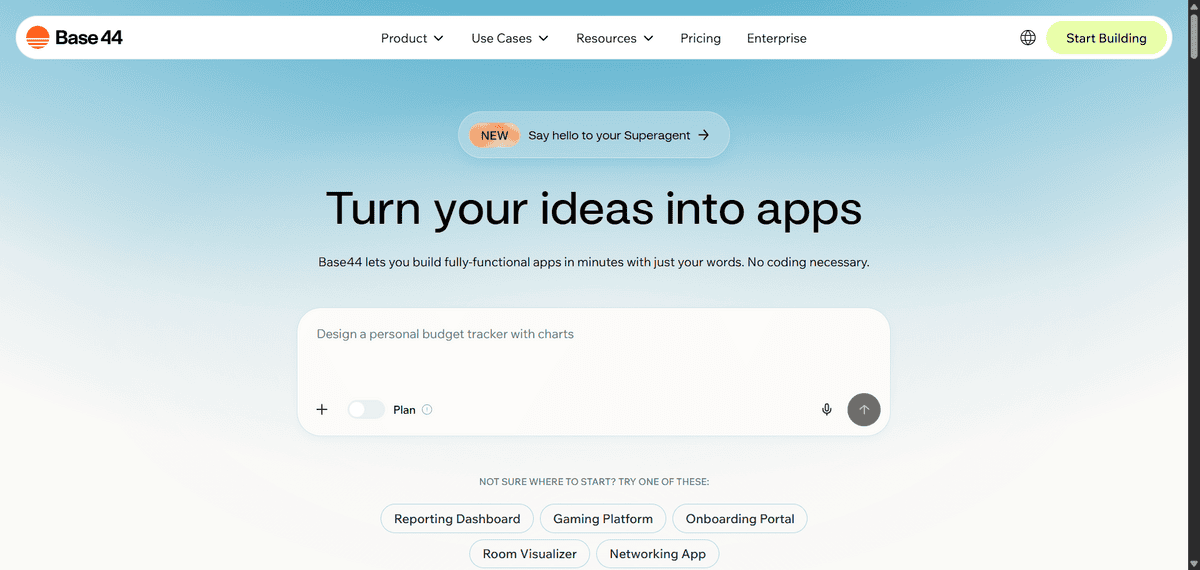
Base44 is an AI-first app builder that generates complete web applications from natural language. It handles the frontend, backend, and database in one go, and is designed for founders who want to go from idea to working product as fast as possible. It is fully conversational, meaning you keep chatting with the AI to build and iterate on your app.
- You can describe your app idea in plain language and have Base44 generate a complete working web application, including UI, logic, and data structure.
- You can iterate on your app through ongoing conversation with the AI, which updates the app in real time as you refine or add features.
- You can deploy your app immediately after generation with hosting included, so there is no separate deployment process.
- You can add user authentication, role-based access, and database relationships without any manual backend configuration.
- You can use Base44 to build SaaS products, internal tools, MVPs, and prototypes without writing code or managing infrastructure.
Just a heads up: Base44 is focused on web apps and does not support native iOS or Android publishing. As with most AI-generated app builders, production scalability is still an emerging area. It is well-suited for prototypes and early-stage products, but larger-scale applications may require additional engineering work down the line.
